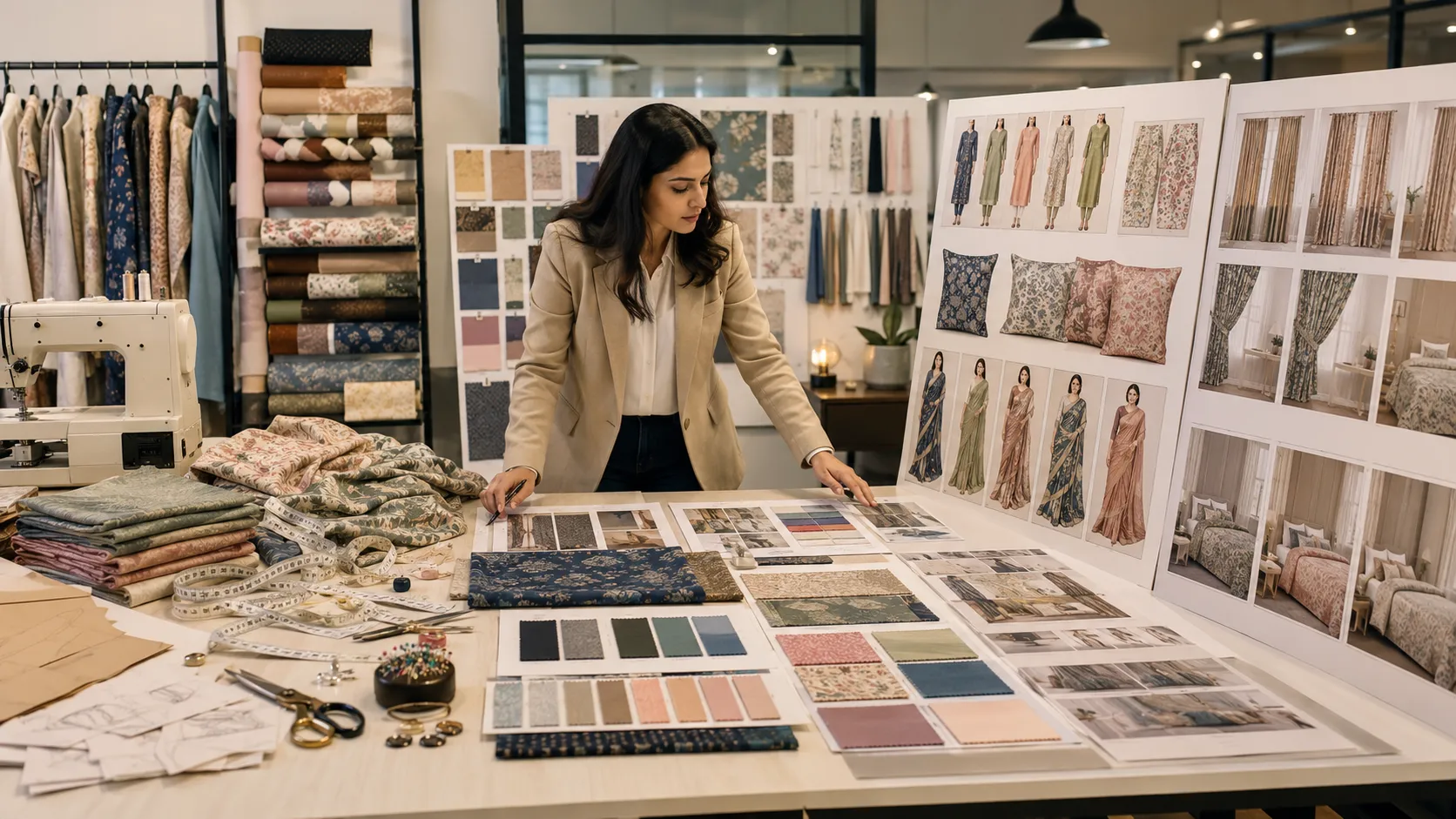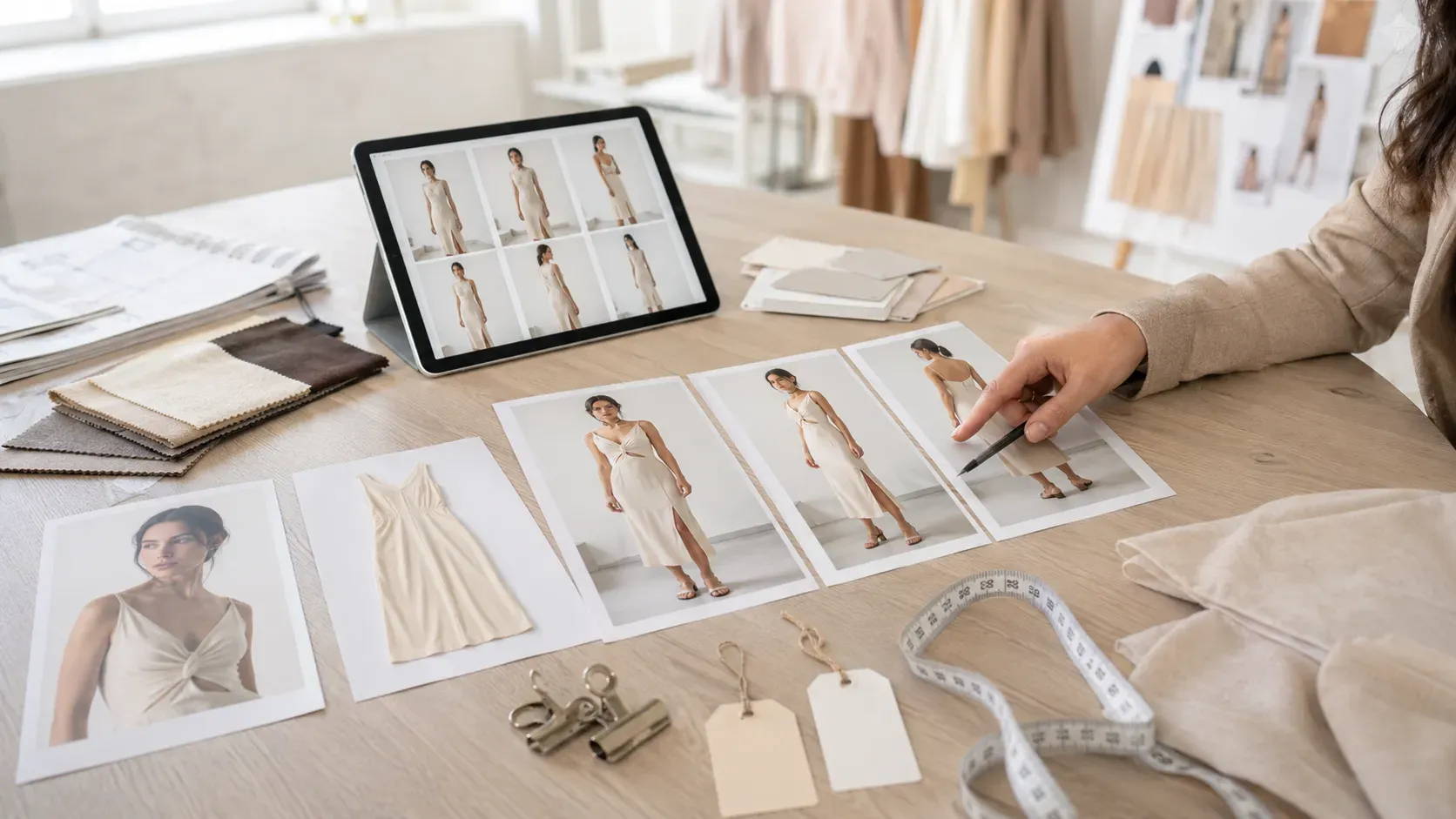
Fashion selling is becoming more visual every day.
A customer may like a garment in a flat product photo, but they still want to know how it looks when worn. They want to see the fit, fabric fall, sleeve shape, neckline, length, styling, and overall look on a real model.
This is why model-worn product photos are so important for online fashion brands.
A flat garment image can show the product, but a model-worn image shows the experience of wearing it. It helps customers imagine the final look before buying.
Traditionally, creating model-worn product photos required a full photoshoot. A clothing brand needed models, photographers, styling, studio lighting, makeup, editing, and time. For brands with many products, this process can become expensive and slow.
Now Virtual Try-On AI makes this workflow faster.
With Virtual Try-On AI, fashion brands can upload a model photo and a garment image, then generate realistic model-worn product photos. This helps create product visuals for e-commerce stores, Shopify pages, catalogs, social media, ads, and buyer presentations.
The Textile AI Virtual Try-On tool is designed for this workflow. It helps brands create model-worn visuals faster without arranging a full photoshoot for every product.
Website:
https://www.thetextileai.com/ai/tools/virtual-try-on
What is Virtual Try-On AI?
Virtual Try-On AI is a tool that uses artificial intelligence to place a garment onto a model photo and create a realistic model-worn product image.
In simple words, the user uploads two images: a model photo and a garment image. The AI studies the garment shape, fabric, color, design, and structure, then creates a visual where the model appears to be wearing that garment.
This helps fashion brands convert product images into model-worn visuals faster.
Instead of showing only a flat garment, brands can show how the product may look on a person. This makes the product easier to understand and more attractive for online customers.
Virtual Try-On AI is useful for clothing brands, boutiques, Shopify sellers, fashion catalog teams, D2C brands, textile sellers, and e-commerce businesses that need product visuals regularly.
“Virtual Try-On AI helps fashion products move from flat product image to model-worn visual faster.”
Why Model-Worn Product Photos Matter
Online customers cannot physically try the garment before buying.
They depend on visuals.
A flat product photo can show the garment, but it may not show how the garment looks on the body. It may not explain the fall, fit, length, sleeve shape, or styling properly.
A model-worn product photo gives more context.
It helps customers understand how the garment may look when worn. It also makes the product page feel more complete and professional.
For fashion brands, model-worn photos can improve product presentation across websites, Shopify stores, marketplaces, Instagram posts, WhatsApp catalogs, and digital ads.
Remember: A garment becomes easier to sell when customers can imagine themselves wearing it.
The Problem with Traditional Model Photoshoots
Traditional model photoshoots can create beautiful images, but they are not always easy to manage.
A brand needs to prepare the garment, arrange a model, book a studio, set up lighting, plan styling, take photos, edit images, and export them for different platforms.
This process takes time.
If a brand has only a few products, it may be manageable. But if a brand has 50, 100, or 500 products, arranging model-worn photos for every item becomes difficult.
The cost also increases with every new product, model, location, pose, and edit.
This is why many online sellers use flat product photos or mannequin images instead of model-worn images. But those images may not create the same customer confidence.
Virtual Try-On AI helps reduce this gap.
It gives brands a faster way to create model-worn product visuals from existing garment and model photos.
Tip: Use real photoshoots for premium campaign products, and use Virtual Try-On AI for faster product page visuals and catalog content.
How The Textile AI Virtual Try-On Tool Works
The Textile AI Virtual Try-On tool is built to help users create model-worn product photos quickly.
The workflow is simple.
First, the user uploads a target model photo. This image gives the AI the person, pose, body structure, and base visual reference.
Second, the user uploads a target garment image. This gives the AI the clothing item that needs to be shown on the model.
Third, the user can add a refinement prompt if needed. This helps guide the final look, such as clean catalog style, natural lighting, accurate fit, simple background, or realistic fabric drape.
After that, the AI generates the fitting result.
The final output can be used for catalog images, fashion product previews, online store visuals, and marketing content.
Website:
https://www.thetextileai.com/ai/tools/virtual-try-on
Target Model Photo
The target model photo is the base image.
It helps the AI understand the model identity, pose, body angle, lighting, and overall appearance. A clear model photo gives better results.
For fashion brands, model choice matters because it affects the final product presentation. A clean, professional model photo can make the generated output look more suitable for catalogs and e-commerce.
The model photo should be well-lit and properly framed. If the image is too blurry, dark, cropped badly, or confusing, the output may not look accurate.
A strong model input helps create stronger model-worn product photos.
Remember: Better model input helps the AI create more realistic try-on results.
Target Garment Image
The target garment image is the product reference.
This image tells the AI what clothing item needs to be placed on the model. The garment image should clearly show the design, color, shape, fabric, neckline, sleeves, pattern, and important details.
If the garment photo is unclear, the AI may not understand the product properly.
For best results, brands should use a clean garment photo with visible product structure. If the garment has embroidery, buttons, special sleeves, prints, border details, or unique cuts, those details should be visible.
This is especially important for fashion products where product accuracy matters.
Tip: Use a clear garment image so the AI can better preserve design, color, and structure.
Refinement Prompt
The refinement prompt is optional, but it can improve the final result.
This prompt helps guide the AI output style.
For example, a brand can ask for a clean e-commerce product image, realistic fabric drape, soft studio lighting, natural pose, catalog background, or premium fashion look.
A simple prompt can make the output more aligned with the brand’s needs.
Example:
Create a realistic model-worn product photo with clean e-commerce background, natural lighting, accurate garment fit, and visible fabric details.
This type of instruction tells the AI what kind of final visual is expected.
“A good try-on prompt tells the AI how the garment should look on the model, not only which garment to use.”
How Virtual Try-On AI Helps Clothing Brands
Virtual Try-On AI helps clothing brands create product visuals faster.
A brand can use it to show dresses, shirts, kurtis, tops, jackets, ethnic wear, western wear, and other garments on models. This makes the product page stronger and more useful for customers.
Instead of waiting for a full photoshoot, the brand can create model-worn previews from existing garment images.
This is especially useful when brands have frequent launches, many SKUs, multiple color variants, or limited photoshoot budgets.
Virtual Try-On AI also helps teams test visual presentation earlier. A brand can check whether a garment looks better on a certain model, with certain styling, or in a certain catalog mood.
Remember: Virtual Try-On AI helps clothing brands create more product visuals without waiting for every studio shoot.
Virtual Try-On AI for E-Commerce Stores
E-commerce stores need product images that build trust quickly.
A product page with only a flat garment image may feel incomplete. Customers may want to see how the product looks when worn before making a decision.
Virtual Try-On AI helps online stores create model-worn images for product pages and collection pages.
These visuals can be used on Shopify stores, marketplace listings, social media posts, ads, emails, and WhatsApp catalogs.
A model-worn image helps the customer understand the garment more clearly. It also makes the product listing look more professional.
For small brands, this can improve presentation without needing a large photography setup.
Tip: Use model-worn Virtual Try-On images as product gallery visuals, and keep real garment close-ups as supporting product detail images.
Virtual Try-On AI for Shopify Fashion Brands
Shopify fashion brands need consistent and clear product galleries.
A good Shopify product page usually includes a main model-worn image, extra angle images, fabric close-ups, and detail shots. This helps customers understand the product better.
Virtual Try-On AI can help generate model-worn product photos for Shopify listings faster.
Brands can use these images for new arrivals, seasonal drops, product previews, and launch campaigns.
Consistent model-worn photos also make the collection page look more professional.
When product images follow a similar style, lighting, and model look, the store feels more organized and premium.
Remember: A clean Shopify product gallery can make a fashion store look more trustworthy.
Virtual Try-On AI for Boutiques
Boutiques often work with custom or limited products.
A customer may select a garment and ask how it will look when worn. Instead of only explaining through text or flat images, boutiques can use Virtual Try-On AI to create a model-worn preview.
This helps customers understand the final look faster.
For boutiques, this is useful during online selling, Instagram DMs, WhatsApp orders, and custom product discussions.
A boutique can create product previews without arranging a full shoot for every item.
This makes the selling process more visual and professional.
“Virtual Try-On AI helps boutiques answer customer questions visually.”
Virtual Try-On AI for Textile Sellers
Textile sellers can also use Virtual Try-On AI when they have garment images, apparel samples, or product concepts.
A seller may want to show how a fabric-based garment looks on a model. A manufacturer may want to present apparel samples to buyers. A supplier may want to create model-worn visuals for product catalogs.
Virtual Try-On AI helps make these presentations stronger.
Instead of showing only flat garment images, textile sellers can show model-worn outputs that feel more complete.
This can help in buyer presentations, catalog creation, wholesale communication, and online selling.
Tip: Use Virtual Try-On AI when the buyer needs to see the garment in a worn context.
Virtual Try-On AI for Sarees and Ethnic Wear
Virtual Try-On AI can also support ethnic wear visualization.
Products like sarees, kurtis, lehengas, festive wear, and traditional outfits often need a model-worn look to show their full beauty.
A flat image may not show the fall, fit, embroidery, sleeve design, neckline, or styling properly.
Model-worn visuals help customers understand the complete outfit.
For ethnic wear sellers, this is useful because customers often buy based on how premium and elegant the product looks when worn.
Virtual Try-On AI can help create faster previews for product pages, social media, catalogs, and buyer presentations.
Remember: Ethnic wear often needs model-worn presentation because the value is in the full styled look.
How Virtual Try-On AI Saves Time
Time is one of the biggest benefits of Virtual Try-On AI.
Traditional model photoshoots can take days or weeks. AI try-on workflows can help brands create model-worn visuals faster once the model and garment images are ready.
This helps when brands have urgent product launches or need quick content updates.
If a product is ready but model photos are pending, Virtual Try-On AI can reduce waiting time.
This is useful for fast fashion brands, Shopify sellers, boutiques, Instagram stores, and fashion marketers.
“Virtual Try-On AI reduces the waiting time between product image and model-worn visual.”
How Virtual Try-On AI Reduces Photoshoot Dependency
Virtual Try-On AI can reduce repeated photoshoot dependency.
Brands do not need to arrange full shoots for every product preview, color option, or quick listing visual.
They can use AI for routine product visuals, early catalog previews, buyer presentations, and online content. Then they can use traditional photoshoots for selected hero products, premium campaigns, influencer content, and final brand storytelling.
This balanced workflow can save cost and time.
AI helps with scale.
Photography helps with final authenticity.
Tip: Use Virtual Try-On AI for product volume and traditional photoshoots for brand campaigns.
How Virtual Try-On AI Improves Buyer Confidence
Customers feel more confident when they can see how a garment looks when worn.
A flat image may create questions. A model-worn image answers many of them visually.
It helps customers understand fit, length, style, fabric fall, and overall appearance. This can reduce hesitation and make the product feel more trustworthy.
For fashion e-commerce, trust is important.
A customer who understands the product clearly is more likely to continue exploring the page.
Remember: Better product visuals reduce doubt and support better buying decisions.
Best Use Cases for Virtual Try-On AI
Virtual Try-On AI can support many fashion workflows.
It can be used for product pages, Shopify listings, Instagram posts, WhatsApp catalogs, buyer presentations, fashion catalogs, marketplace images, launch campaigns, ad creatives, and internal product previews.
The most useful use cases include:
- Creating model-worn product photos
- Showing garments on model images
- Creating product page gallery visuals
- Generating fashion catalog previews
- Creating Shopify product images
- Preparing buyer presentation visuals
- Making social media product posts
- Testing garment styling before photoshoot
- Creating ethnic wear product visuals
- Reducing repeated model shoot dependency
These use cases make Virtual Try-On AI useful for both small sellers and growing fashion brands.
Common Mistakes to Avoid
Virtual Try-On AI works best when input images are clear.
One common mistake is using a poor model photo. If the model image is blurry, dark, cropped badly, or has a confusing pose, the output may not look realistic.
Another mistake is uploading an unclear garment image. If the product shape, color, design, or details are not visible, the AI may not preserve the garment properly.
Brands should also avoid vague prompts. If the output needs a clean catalog look, natural lighting, accurate fit, or visible fabric details, mention that clearly.
The final mistake is publishing outputs without review. Every generated image should be checked for garment accuracy, model consistency, fabric detail, lighting, and realism.
Tip: AI creates visuals faster, but the brand should still control final quality.
How to Get Better Virtual Try-On Results
To get better results, start with a clear model photo and a clear garment image.
The model photo should have good lighting, proper body framing, and a pose suitable for the garment. The garment image should clearly show the product design, color, neckline, sleeves, shape, and important details.
Use a simple refinement prompt to guide the result.
For example:
Create a realistic model-worn product photo with clean e-commerce background, natural lighting, accurate garment fit, soft shadows, and visible fabric texture.
This gives the AI a clear direction.
After generation, review the output carefully before publishing.
Remember: Good inputs, clear prompts, and final review create better Virtual Try-On images.
Why The Textile AI Virtual Try-On Tool is Useful
The Textile AI Virtual Try-On tool is useful because it helps fashion and textile businesses create model-worn product photos faster.
It supports a practical workflow where users upload a target model photo, upload a target garment image, add an optional refinement prompt, and generate an AI fitting result.
The output can be used for product galleries, catalogs, Shopify listings, buyer decks, social media, ads, and fashion previews.
This makes it useful for clothing brands, boutiques, Shopify sellers, textile sellers, fashion marketers, and e-commerce teams.
Website:
https://www.thetextileai.com/ai/tools/virtual-try-on
The Future of Virtual Try-On AI
Virtual Try-On AI will become more common in online fashion.
Customers want better product visuals. Brands need faster content. E-commerce stores need more model-worn images without waiting for every photoshoot.
AI will help create these visuals more quickly.
In the future, brands may use Virtual Try-On AI to create product images, catalog previews, color variant visuals, personalized model styling, campaign drafts, and online shopping content.
Traditional model shoots will still be important for premium campaigns and real brand storytelling.
But Virtual Try-On AI will become a regular tool for fast product visualization.
Final Thoughts
Virtual Try-On AI is changing how fashion brands create model-worn product photos.
Instead of depending only on traditional photoshoots, brands can upload a model photo and garment image to generate realistic product visuals faster.
This helps improve e-commerce product pages, Shopify listings, catalogs, social media posts, buyer presentations, and launch content.
For clothing brands, boutiques, textile sellers, saree businesses, and online fashion stores, Virtual Try-On AI can save time, reduce photoshoot dependency, and improve product presentation.
A garment is easier to sell when customers can see it worn.
Try The Textile AI Virtual Try-On tool here:
https://www.thetextileai.com/ai/tools/virtual-try-on