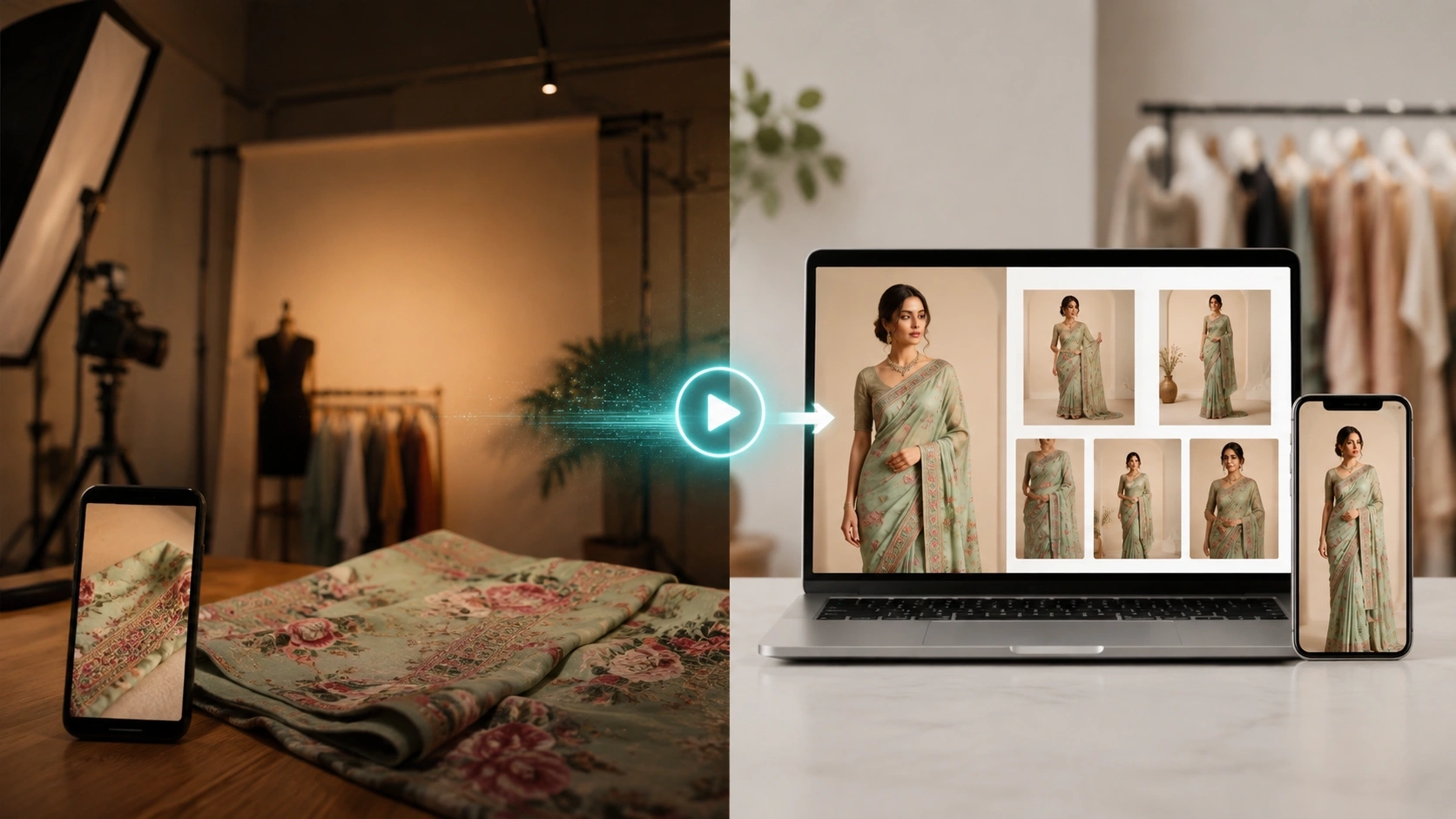
What If One Fabric Photo Could Become a Complete Fashion Photoshoot?
You have a beautiful saree, shirt fabric, kurti material, dress design, or clothing product.
But there is one big problem.
You need good model photos before you can sell it online.
Normally, this means finding a model, booking a photographer, arranging a studio, preparing the garment, doing makeup, managing lights, selecting poses, editing photos, and waiting for the final images.
That is a lot of work for just one product.
Now imagine another way.
You send us a clear photo of your fabric, flat-lay garment, saree, shirt, kurti, or clothing product.
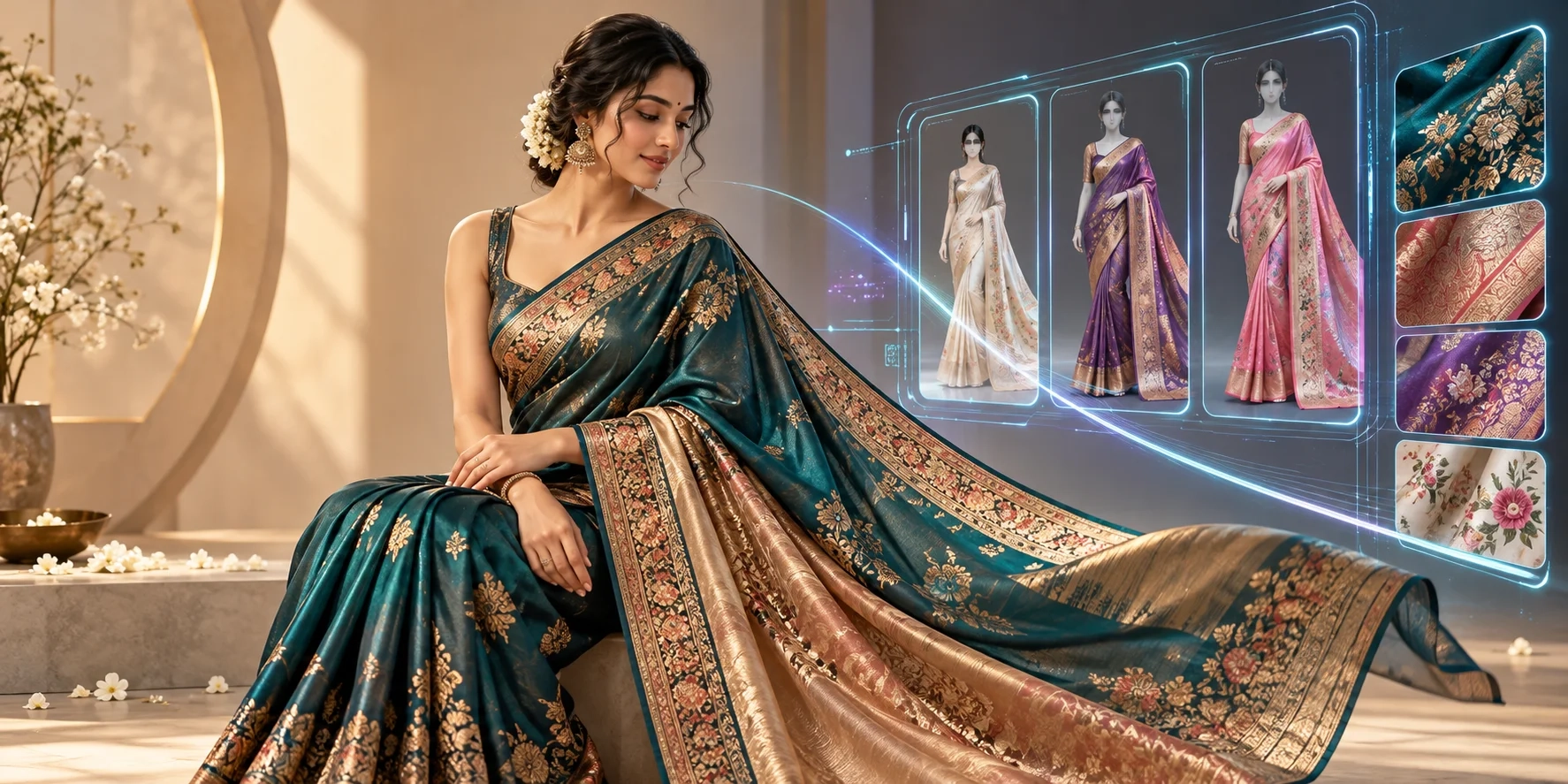
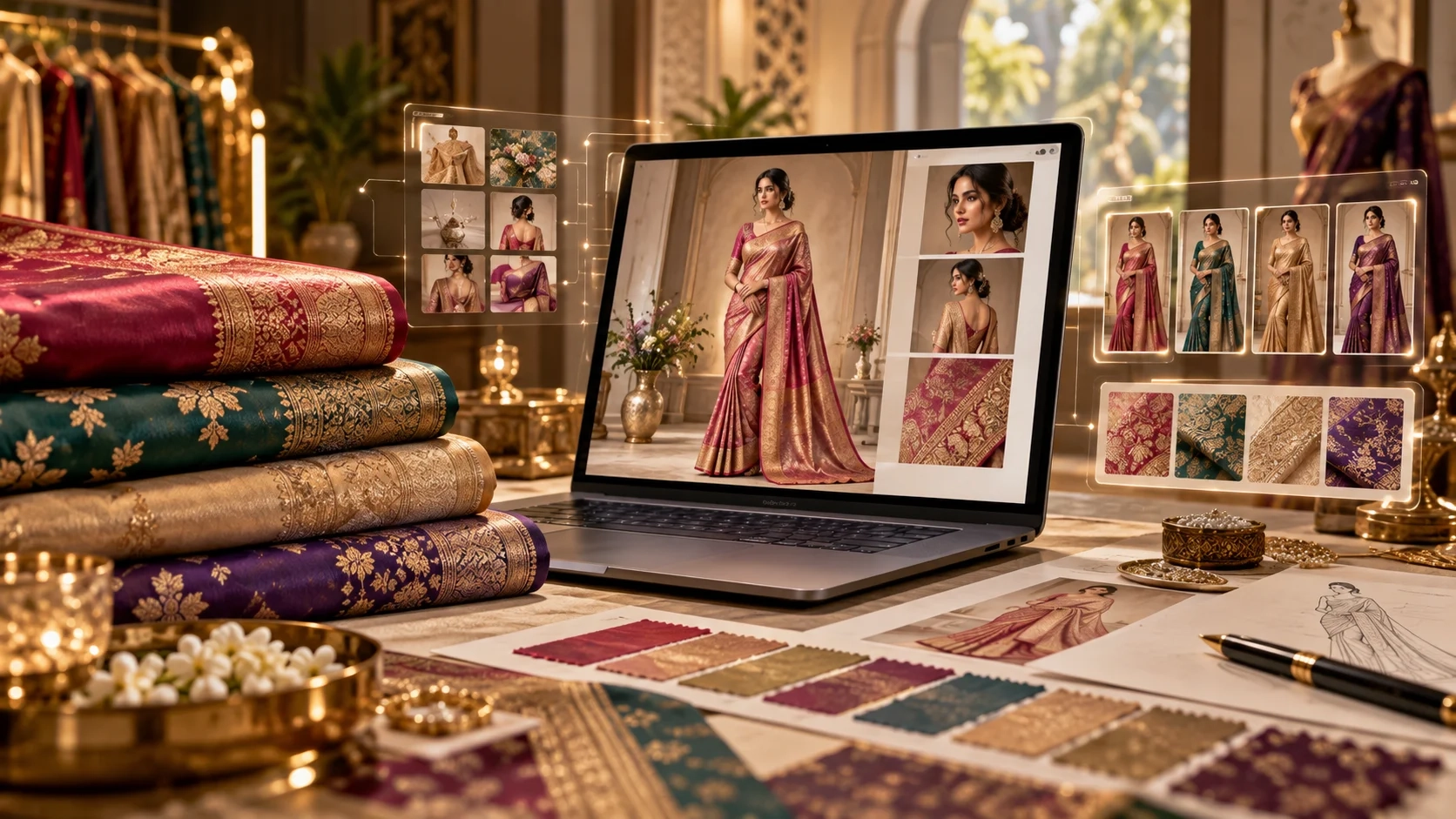
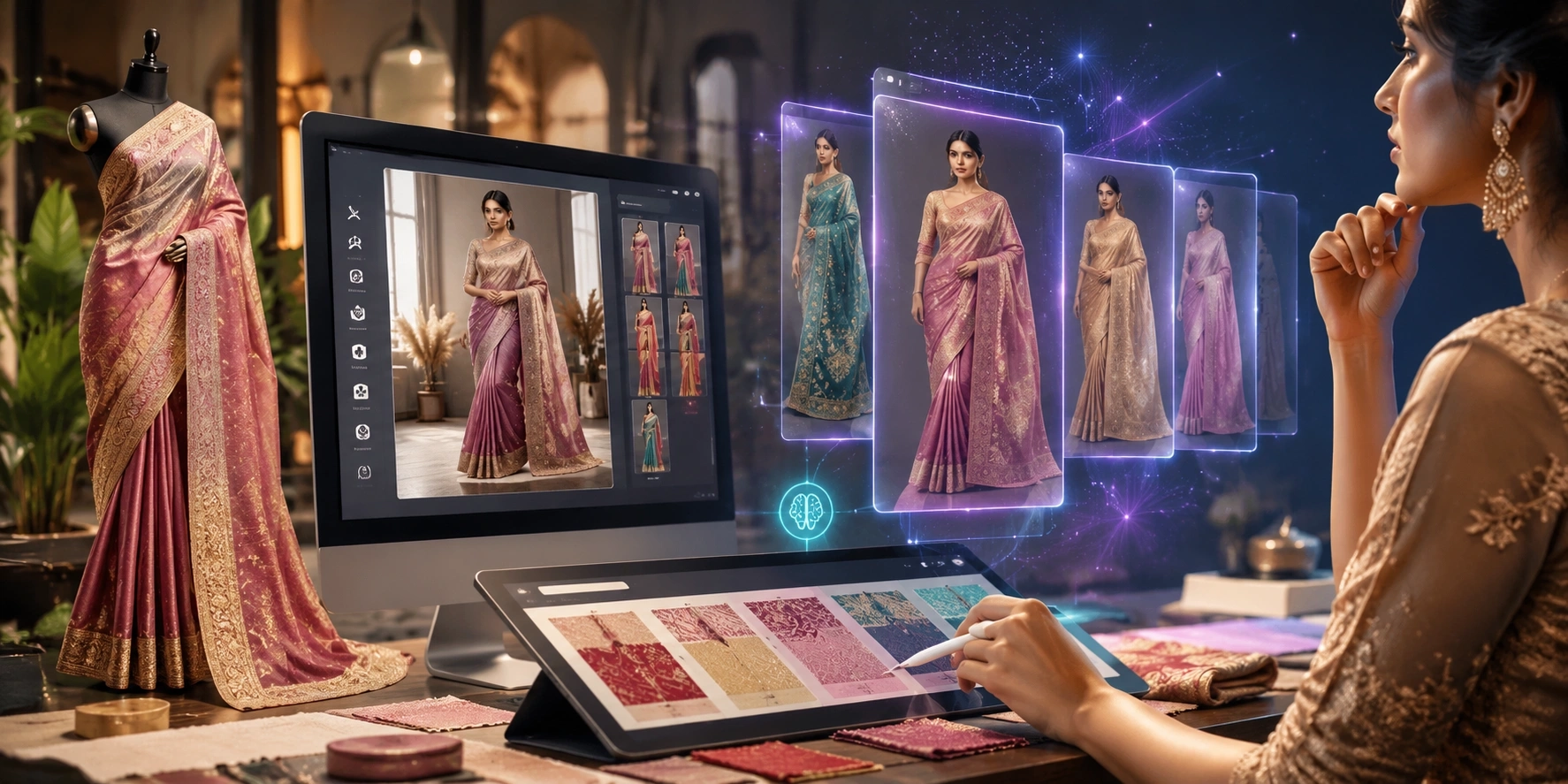
Our team uses AI and professional image-generation workflows to turn it into realistic model catalog images.
No model booking.
No photographer booking.
No studio setup.
No full physical photoshoot.
And you can get a professional catalog look starting from around ₹500 per look, depending on the service and requirements.
This type of AI fashion photoshoot service can be very useful for textile manufacturers, wholesalers, Shopify sellers, physical retailers, fashion brands, exporters, resellers, and textile marketers who need more product images without spending heavily on every new collection.
Quote: “Your customer cannot touch your fabric online. Your product photo has to do that job with their eyes.”
Why Good Product Photos Matter So Much
Think about the way a customer buys clothing inside a physical shop.
They can touch the fabric.
They can see the colour.
They can open the saree.
They can check the fall.
They can hold a shirt against themselves.
They can look at the design from different angles.
Online customers cannot do these things.
They mainly have your product images.
This is why your catalog photography is not just decoration.
It is part of your sales process.
Shopify explains that good product photography helps customers understand what they will receive, makes an online store look more professional, and can increase trust in the brand.
A good image can help a customer think:
“This saree may look good on me.”
“This shirt looks premium.”
“I can understand how this kurti fits.”
“This fabric design looks better when I see it as a complete garment.”
That is why an affordable ecommerce catalog photoshoot can be valuable even for a small clothing seller.
The Opportunity for Textile and Clothing Businesses Is Growing
The Indian apparel market is already very large.
According to IBEF, citing CareEdge Ratings, India’s apparel retail market was estimated at around ₹9.30 lakh crore, or US$112 billion, in FY25.
It is projected to reach almost ₹16 lakh crore, or US$193 billion, by FY30. Organised retail currently represents about 41% of the apparel retail market.
Online retail is also growing quickly.
IBEF reported that India’s online retail market reached around US$80 billion in FY26, with approximately 21% year-on-year growth. It also expects Indian e-retail to maintain strong growth toward 2030.
What does this mean for you?
More products are being sold online.
More brands are entering the market.
More textile manufacturers are starting direct-to-consumer businesses.
More physical retailers are selling through websites, WhatsApp, Instagram, marketplaces, and Shopify.
But all these sellers need one thing:
Good product content.
Your collection may contain 20, 50, 100, or even 500 designs.
Creating a physical photoshoot for every design can become expensive and slow.
This is where AI ecommerce image creation in India can help.
Why Traditional Fashion Photoshoots Become Expensive
A professional fashion shoot can involve many people and many steps.
You may need:
- A model
- A photographer
- A studio
- Lights
- Makeup
- Hair styling
- Garment preparation
- Ironing or steaming
- Styling
- Accessories
- Travel
- Food
- Editing
- Retouching
- Coordination
- Multiple revisions
Now imagine repeating this process every time you create a new collection.
A saree manufacturer may launch dozens of new designs.
A shirt fabric business may have hundreds of patterns.
A kurti seller may need new photos every week.
A wholesaler may receive fresh stock continuously.
For larger brands, physical photoshoots will still be useful for major campaigns.
But do you need a full physical photoshoot for every single SKU?
Not always.
AI gives textile businesses another option.
What Is a Done-For-You AI Fashion Photoshoot Service?
A done for you AI apparel catalog service is different from simply giving you an AI tool.
With a normal AI tool, you may need to understand prompts, settings, models, image generation, editing, and correction yourself.
A done-for-you service is simpler.
You provide your product image.
You explain what type of result you want.
The team handles the generation process for you.
For example, you may send:
- A saree image
- A fabric photo
- A flat-lay shirt
- A kurti
- A dress material
- A textile pattern
- A garment photo
- A clothing reference image
You can also explain the look you need.
For example:
“Put this saree on an Indian female model.”
“Create a clean studio background.”
“Make this shirt look like a premium ecommerce catalog.”
“Show this kurti on a model in a simple standing pose.”
“Keep the fabric print similar to my original photo.”
Our team then works on creating the required images.
This is why it is called done for you catalog generation.
You do not have to become an AI expert.
How to Create Model Photos From a Fabric Photo
This is one of the biggest opportunities for textile businesses.
Many textile companies do not have stitched garments for every fabric.
They may only have:
- Fabric swatches
- Rolls
- Textile samples
- Printed fabric
- Embroidery samples
- Digital textile designs
Traditionally, turning these into a fashion catalogue means stitching garments first.
AI can help you create a visual idea before going through the complete traditional process.
Step 1: Send a Clear Fabric Photo
Start with the best image you have.
Try to keep the fabric straight.
Use good light.
Avoid heavy shadows.
Make sure the pattern is visible.
If your fabric has embroidery, borders, prints, stripes, motifs, or special textures, take close-up photos too.
Tip
The better your input photo is, the easier it is to understand the important fabric details.
Do not send only a dark, blurry WhatsApp screenshot if you have a better photo available.
Step 2: Tell Us What Garment You Want
A fabric can become many different garments.
For example:
A printed cotton fabric may become a kurti.
A silk fabric may become a saree blouse or ethnic outfit.
A formal fabric may become a shirt.
A textile pattern may become a dress.
Tell us what you want to create.
You can give a reference image if needed.
This makes the fabric to garment AI generator process much clearer.
Step 3: Select the Model Style
Different businesses need different looks.
You may want:
- Indian female model
- Indian male model
- International model
- Young fashion model
- Premium luxury style
- Simple ecommerce model
- Traditional ethnic styling
- Corporate shirt catalog look
- Festive clothing style
You can explain your customer type.
For example:
If you sell premium wedding sarees, the model styling can feel more luxurious.
If you sell simple office kurtis, the styling can remain clean and practical.
Step 4: Choose the Background
Your background changes the complete mood of an image.
For ecommerce, simple backgrounds often work well.
You may choose:
- White background
- Grey studio
- Beige studio
- Premium indoor scene
- Outdoor lifestyle setting
- Traditional Indian setting
- Luxury fashion background
- Minimal catalog environment
If the images are mainly for Shopify product pages, a clean studio look is often easier to use.
For social media ads, lifestyle images may help you create more attention.
Step 5: Review the Output Carefully
AI images should always be checked.
Look at:
- Fabric colour
- Border
- Pattern placement
- Sleeve design
- Neck design
- Buttons
- Embroidery
- Draping
- Garment length
- Logo
- Product details
Remember
AI can create very realistic images, but AI is not perfect.
Do not publish an image if it changes an important product feature.
Your customer should receive a product that reasonably matches what they saw in your catalog.
Accuracy is more important than creating a beautiful image that does not represent the actual product.
AI Saree Model Photoshoot Without a Traditional Model Shoot
Sarees are one of the most interesting use cases for AI catalog creation.
A folded saree may look simple.
But the same saree shown properly on a model can communicate much more.
Customers can understand:
- Overall colour
- Drape
- Pallu style
- Border
- Pattern
- Occasion
- Styling possibility
This is why an AI saree model photoshoot can be useful for saree manufacturers, wholesalers, retailers, exporters, and online sellers.
If you are wondering how to generate a realistic saree drape catalog with AI, start with a clear saree image and provide as much visual information as possible.
If the saree has a special pallu, border, blouse pattern, or embroidery, send extra images.
Do not hide these important details.
Note
Saree draping can be complex.
Always check the generated drape before using the image commercially.
An attractive picture is useful.
An attractive and product-accurate picture is much better.
AI Shirt Catalog Generator for Manufacturers and Sellers
Shirt sellers have a different problem.
You may have hundreds of fabrics and patterns.
Creating stitched shirts and photographing every design can take time.
An AI shirt catalog generator can help visualize shirt fabrics on models.
For example, a plain fabric photo can be used as the starting point for a model wearing a formal shirt.
You can request:
- Front pose
- Side pose
- Half-body shot
- Full-body shot
- Office background
- Studio background
- Casual model
- Formal model
- Different age groups
This can be very useful for shirt fabric manufacturers and wholesalers who want to show buyers how a fabric may look after stitching.
Kurti Photoshoot Without a Model
Kurti sellers usually depend heavily on model photography.
Customers want to understand:
- Kurti length
- Fit
- Sleeves
- Neck
- Side cuts
- Styling
- Overall look
But arranging a model shoot every time you receive new stock is difficult.
A kurti photoshoot without model can help create model-style catalog images from your available product photographs.
For better results, send images where the complete kurti is clearly visible.
A front image is useful.
Front and back images are even better.
Detail photos can also help when embroidery or print is important.
Turn Flat-Lay Clothing Into On-Model Photos With AI
Many ecommerce sellers already have flat-lay product photos.
This is common with:
- Shirts
- T-shirts
- Kurtis
- Dresses
- Tops
- Jackets
- Pants
- Kidswear
The problem is that flat-lay images do not always show how the garment may look when worn.
This is where flat lay to on model AI photography becomes useful.
You can provide the flat-lay image and request a model presentation.
The final result can give your catalog a more complete fashion look.
This can be particularly useful if you are searching for a way to turn flat lay clothing into on model photos with AI without organising another photoshoot.
Why This Can Be Useful for Shopify Clothing Stores
Shopify itself explains that product images play an important role in getting shoppers to click and helping them decide whether to add a product to their cart.
For a Shopify fashion store, you may need many images.
For one product, you may want:
- Main model image
- Front pose
- Side pose
- Full-body view
- Close-up
- Lifestyle image
Now multiply that by 100 products.
That is a large content requirement.
This is why AI product photography for Shopify can be useful.
You can build a cleaner and more consistent store without organising a physical shoot for every single product.
The goal is not only to create more images.
The goal is to create images that are useful for selling.
Physical Retailers Can Use AI Photos Too
AI catalog images are not only for ecommerce brands.
Physical textile stores can also use them.
Imagine you own a saree shop.
You receive 50 new designs.
Instead of showing customers only folded saree images on WhatsApp, selected designs can be presented with model-style visuals.
A customer may understand the product faster.
The same idea can work for:
- Fabric shops
- Shirt material stores
- Dress material retailers
- Kurti retailers
- Garment wholesalers
- Saree wholesalers
You can use images in WhatsApp catalogs, digital displays, online listings, sales presentations, and social media marketing.
Textile Marketers Can Create More Campaign Content
If you work in textile marketing, you already know how quickly content gets used.
You create a post today.
Tomorrow you need another post.
Then you need an advertisement.
Then a festival campaign.
Then a product launch.
Then a reseller catalog.
Then a website banner.
A virtual model photoshoot for clothing brands can give marketers more visual options from the same product.
One product could have:
- Simple ecommerce image
- Luxury image
- Festival image
- Social media image
- Lifestyle image
- Different model pose
This makes it easier to test different creative ideas.
How ₹500 or $5 AI Catalogue Images Can Change Small-Business Economics
Suppose you have 30 new clothing designs.
A complete traditional shoot may require a larger budget because several people and resources are involved.
For a small business, spending heavily before knowing which design will sell can be risky.
A lower-cost custom AI photoshoot for apparel gives you another option.
You can create selected product visuals first.
You can test products.
You can build your catalog.
You can launch faster.
You can then decide where a full physical photoshoot is worth the extra investment.
This can be especially useful for:
- New Shopify stores
- Small clothing brands
- Instagram sellers
- Textile manufacturers
- Wholesalers testing D2C
- Local retailers moving online
- Exporters creating buyer presentations
Tip
You do not need to replace every physical photoshoot.
Use the right method for the right job.
Use physical photography when you need exact campaign photography, real human interaction, complex product details, or highly controlled brand campaigns.
Use AI when speed, testing, catalog scale, and lower production cost matter.
What Does “Done for You” Really Mean?
This is an important point.
Some business owners try AI tools and stop because the results are confusing.
Maybe the fabric changes.
Maybe the model looks wrong.
Maybe the garment does not match.
Maybe they do not know what prompt to write.
That does not mean AI is useless.
It may simply mean you need expert help.
With a done for you AI apparel catalog service, you can send your requirement to a team instead of learning everything yourself.
You tell us what you need.
We work on creating the required catalog visual.
This is useful if your real job is running a textile business, not learning AI prompting.
“I Checked Your Website but I Cannot Find the Exact Feature I Need”
That is completely fine.
Not every possible textile use case can fit inside one website menu.
You may have a special requirement.
Maybe you want a different garment.
Maybe your fabric type is unusual.
Maybe you need a special saree drape.
Maybe you need catalog images in a very specific style.
Maybe you need bulk images.
Maybe you want to see whether your input photo is suitable before ordering.
In that case, contact us directly.
You can send your requirement and a demo image.
Explain what you want us to create.
The Textile AI website already provides direct access to its AI team through its contact page and lists thetextileai@gmail.com as its contact email.
Website: The Textile AI
Contact our AI experts: Contact The Textile AI
Email: thetextileai@gmail.com
Send us your demo image and explain the result you need.
Our team can review your requirement and guide you on the suitable approach.
What Should You Send for a Demo?
You do not need to prepare a long document.
Start with something simple.
Send:
1. Your product image
Use the clearest image available.
2. Product type
For example:
Saree, shirt, kurti, fabric, dress, T-shirt, kidswear, or another garment.
3. Required model
Tell us whether you need a male or female model and what general style you prefer.
4. Background
For example:
White studio, premium studio, outdoor, lifestyle, festive, or simple ecommerce.
5. Reference photo
If you have an example of the type of result you want, send it.
6. Number of images
Tell us approximately how many products or looks you need.
This makes it easier for the team to understand your request.
How to Get Better AI Fashion Catalog Results
Good AI catalog creation starts with good communication.
Here are some simple tips.
Tip 1: Send High-Quality Input
A clear source image gives the process better information.
Tip 2: Mention Important Product Details
Tell the team which details must remain accurate.
For example:
“Do not change the saree border.”
“Keep the shirt pattern.”
“Maintain the embroidery.”
“Keep the kurti sleeve length.”
Tip 3: Share a Reference
A reference can explain your idea faster than a long message.
Tip 4: Keep Your Brand Style Consistent
If you need 50 catalog images, use similar backgrounds, poses, framing, and lighting.
Consistency can make a small store look much more organised.
Tip 5: Check Before Publishing
Zoom into every important part.
Compare the AI output with your real product.
Important Note About AI-Generated Product Images
AI makes new possibilities available to textile businesses, but responsible use is important.
Do not use an AI image to show features your actual product does not have.
For example, if AI creates extra embroidery, a different border, additional buttons, another pocket, or a different fabric colour, correct the image before publishing it.
Remember
AI should help customers understand your product, not confuse them about your product.
When product accuracy is critical, use actual product photographs alongside AI-generated model or lifestyle images.
This gives customers both inspiration and factual product information.
Is AI Better Than a Traditional Photoshoot?
It is not a simple “yes” or “no.”
They solve different problems.
Traditional photography is excellent when you need maximum physical accuracy and complete creative control with a real model.
AI can be excellent when you need:
- Faster content
- More variations
- Lower production costs
- Product testing
- Catalog scaling
- Model-style presentations without arranging a shoot
- Visual concepts from fabrics
- Marketing creative
Smart brands can use both.
You do not have to choose only one.
Best Affordable Photoshoot for a Shopify Clothing Store
If you are searching for the best affordable photoshoot for Shopify clothing store products, first think about your real goal.
Do you need a large campaign?
A real model may be useful.
Do you need hundreds of basic ecommerce catalog images?
AI may save significant production work.
Do you need to test new products before investing heavily?
AI can again be useful.
Your photography method should match your business goal.
The cheapest image is not automatically the best image.
The most expensive photoshoot is also not automatically the best business decision.
Look for the right balance between:
Cost + Speed + Quality + Product Accuracy + Sales Use
Who Should Try This Service?
A done-for-you AI catalog service may be a good fit if you are:
- A textile manufacturer
- A saree manufacturer
- A shirt fabric manufacturer
- A garment manufacturer
- A textile wholesaler
- A clothing retailer
- A Shopify fashion seller
- An online marketplace seller
- An Instagram clothing seller
- A D2C fashion brand
- A textile exporter
- A textile marketing agency
- A reseller
- A physical store moving online
It can also help if you have many products but limited time for photoshoots.