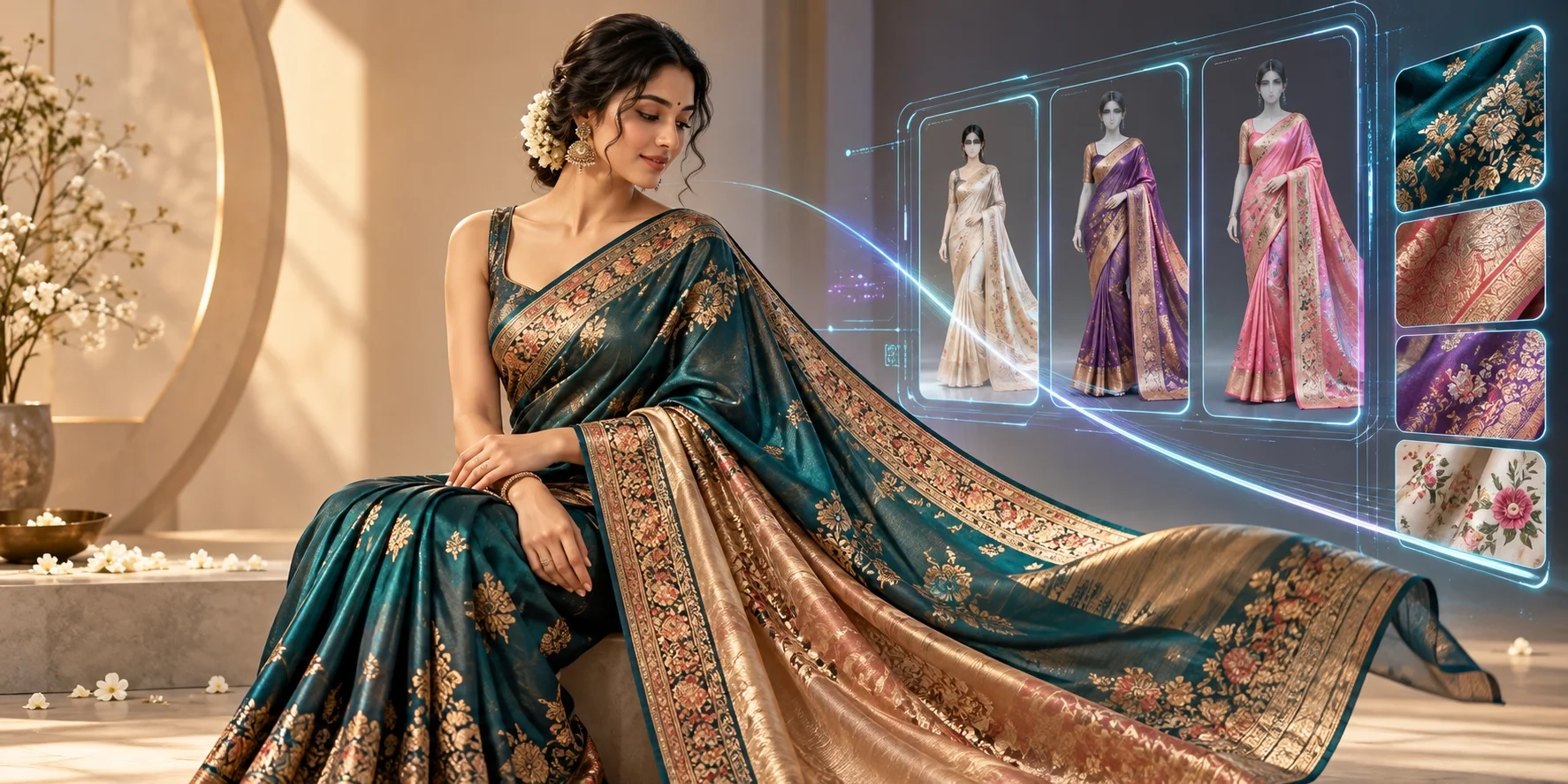
Selling sarees online requires more than attractive fabric photographs. Customers want to see how a saree looks when worn, how the pallu falls, where the border sits, and whether the blouse complements the design. Producing those visuals traditionally involves models, draping specialists, photographers, studios, editing, and repeat shoots for new collections.
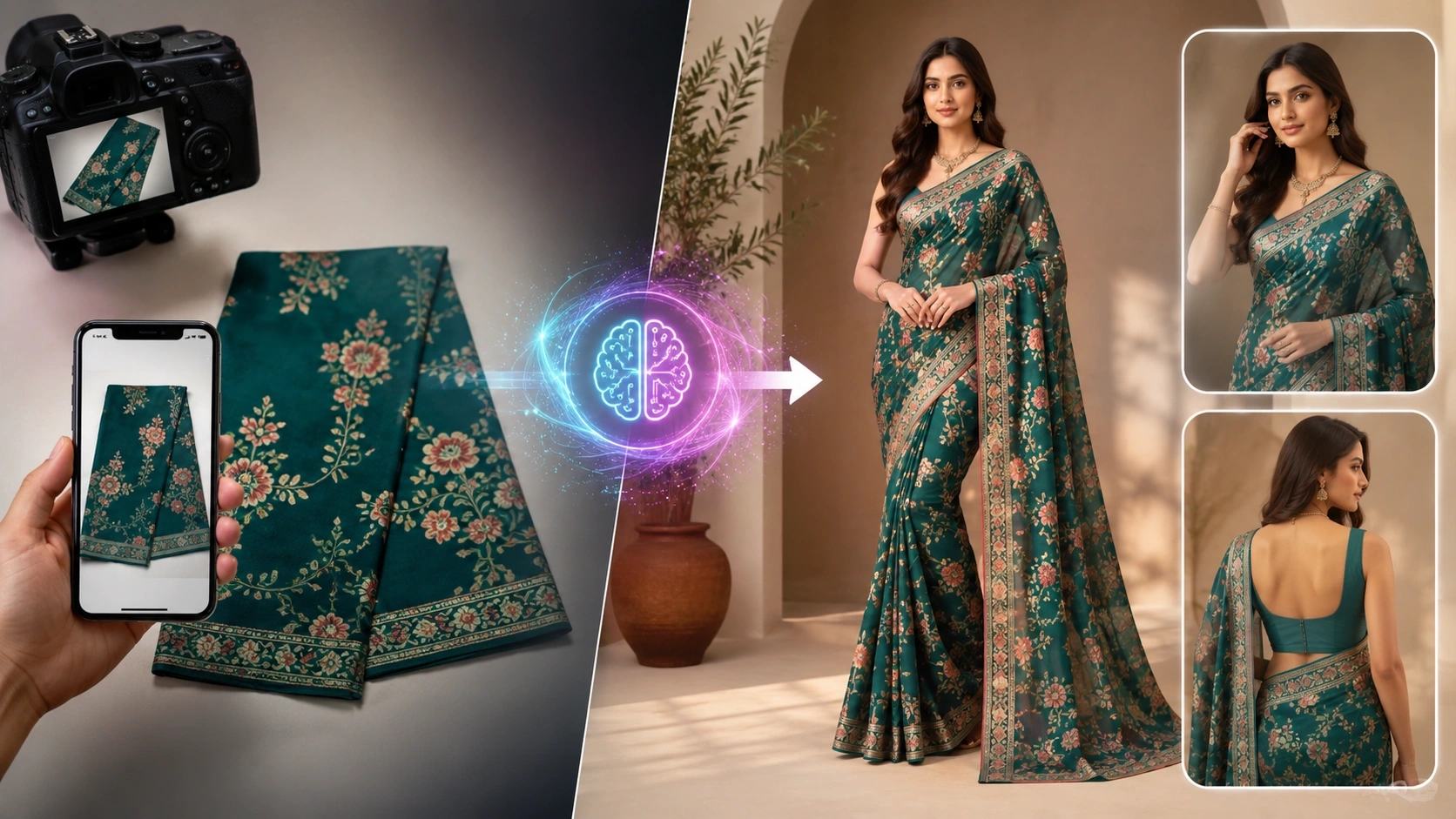
An AI saree generator offers another workflow: upload product photographs and generate model-worn images for catalogues, online stores, and marketing. The challenge is choosing software that respects the actual garment. A beautiful AI image is not useful if it changes a peacock border, invents embroidery, or turns a silk saree into a different fabric.
This guide reviews five available tools for 2026: Textile Magic AI, The Textile AI, Botika, FASHN, and WeShop AI. The order prioritizes saree-focused workflows, followed by broader fashion-production capabilities. It is an editorial comparison of published features, not a claim that every tool has been tested against the same saree.
What Is an AI Saree Generator?
An AI saree generator is software that uses artificial intelligence to create or transform images of sarees. Depending on the platform, it may place a photographed saree onto a digital model, create new catalogue poses, replace a background, or visualize an outfit for advertising.
For online sellers, the most useful category is an AI saree model generator. Rather than inventing a new saree design from a text prompt, it begins with photographs of an existing product. The aim is to show the real saree more clearly, with recognizable colours, motifs, pallu placement, and blouse details.
A virtual try-on tool may perform a related task, but not every clothing try-on engine handles the long, layered drape of a saree equally well.
Why Saree Businesses Are Using AI Catalogue Generators
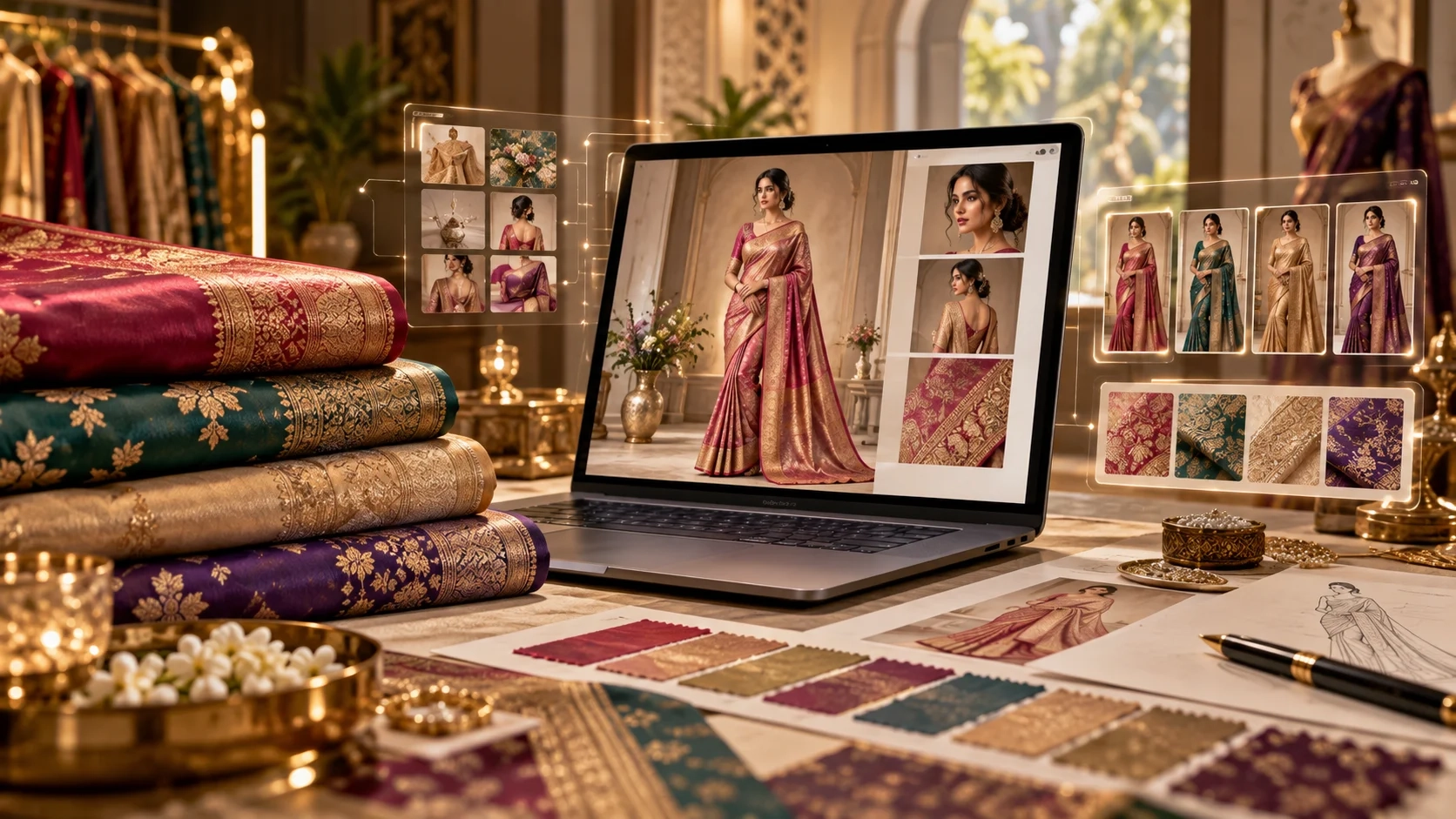
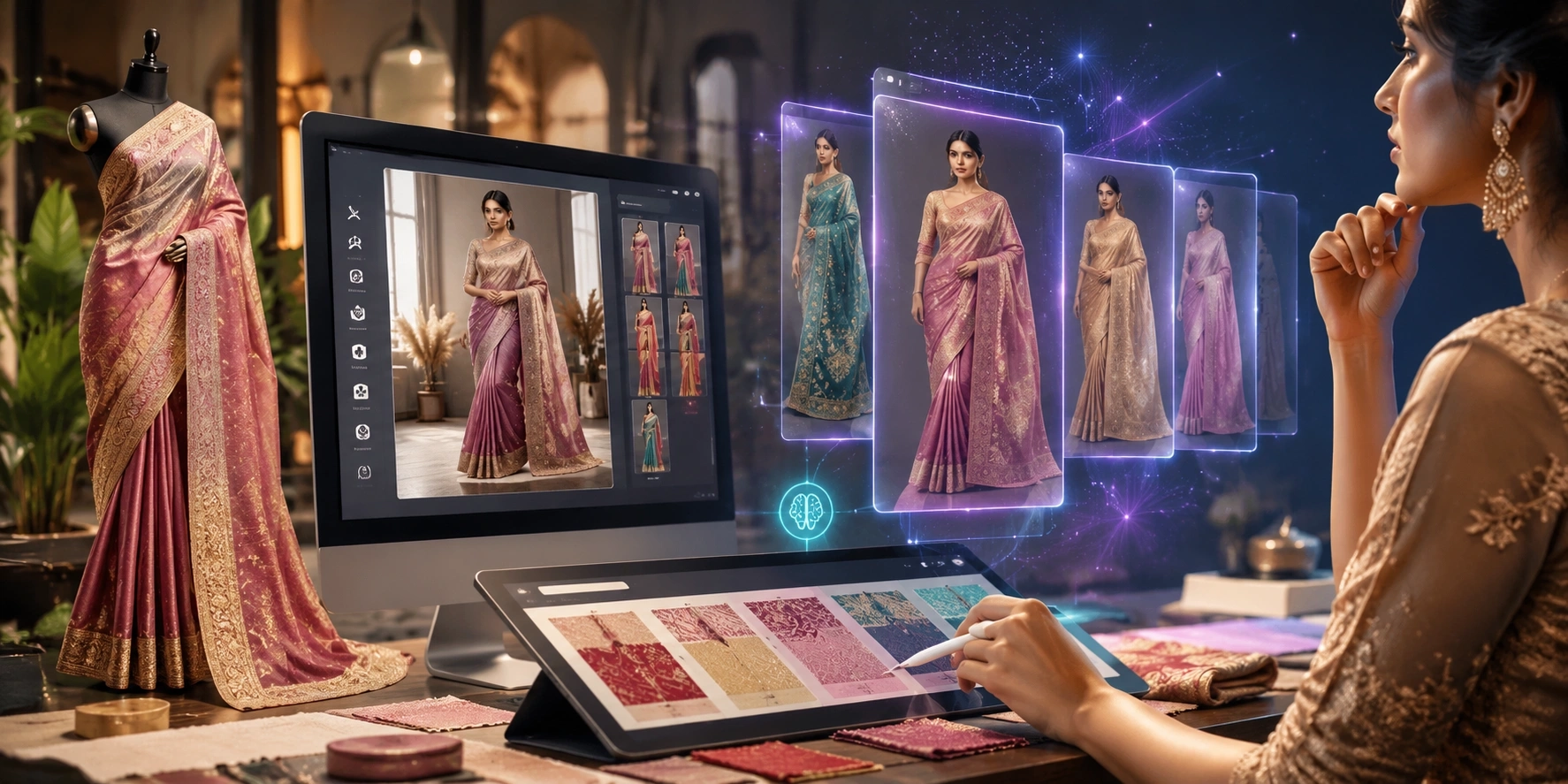
Saree manufacturers often release many colourways, borders, and prints. Creating several photographs for every variation takes coordination and production time. An AI saree catalogue generator can help teams prepare initial model visuals without arranging a separate studio session for each item.
The practical advantages include faster creative experimentation, more consistent backgrounds, alternative model poses, and image formats suited to storefronts and social media. Wholesalers can create presentation material, boutiques can visualize festive collections, and Shopify sellers can prepare product-page images.
However, AI does not remove the need for quality checks. Images must still be reviewed against original fabric photographs before customers see them.
Top 5 Best AI Saree Generator Tools in 2026
1. Textile Magic AI — Best for Saree-Specific E-commerce Model Photos
Website: Textile Magic AI Saree Drape Studio
Textile Magic AI is a saree-focused option for boutiques, textile manufacturers, and online stores that want model-worn catalogue images from actual garment references. Its dedicated studio accepts saree photographs and a required model image, with optional references for the blouse front, blouse back, border details, and background.
Users can request one to six images and choose individual views such as front standing, holding the pallu, side blouse, walking motion, upper close-up, and back view. Supported ratios include 4:5 for catalogue listings and 9:16 for vertical content. There is also an optional field for custom instructions.
Key Features
-
Saree and model reference uploads for model-worn outputs.
-
Optional blouse, border close-up, and background references.
-
Pose-by-pose selection for more purposeful catalogues.
-
Catalogue and vertical image aspect ratios.
-
Dedicated guidance for preserving saree colours and details.
Best for: Saree brands creating multi-angle product pages, Instagram visuals, and consistent e-commerce catalogues.
What to consider: The tool requires a model reference photograph. As with any generator, intricate zari, motifs, borders, and pleats should be checked manually; a preservation-focused workflow is not a pixel-perfect guarantee.
For broader apparel collections, the platform also offers an AI Catalogue Generator and Virtual Try-On tool.
2. The Textile AI — Best for Textile-Focused Catalogue Workflows
Website: The Textile AI Saree Drape & E-commerce Studio
The Textile AI is built around garment visualization and fashion catalogue creation. Its saree draping studio accepts raw saree photographs, including flat-lay, folded, and hanger references. The interface also supports optional blouse front and back images, a zoomed pattern photograph, a model reference, and a custom background.
The studio offers multiple catalogue poses, 4:5 and 9:16 output ratios, and studio-background choices. That combination is relevant when a seller needs a coordinated product catalogue rather than one experimental AI fashion image.
Key Features
-
A dedicated workflow for saree catalogue and drape images.
-
Multiple raw product references to clarify fabric details.
-
Optional pattern and blouse references.
-
Model identity and background customization options.
-
Companion fashion catalogue and garment-generation tools.
Best for: Textile sellers and fashion businesses seeking saree images alongside other apparel catalogue workflows.
What to consider: Complex embroidery and layered draping remain difficult for AI. Compare every generated view with the supplied pallu and border photographs. Published processing times and credit costs should be checked at the time of use.
3. Botika — Best for Fashion Model Imagery at Scale
Website: Botika
Botika is a broader AI fashion photography platform. It converts flat-lay, hanger, and ghost-mannequin product photographs into on-model images. Its published capabilities include bulk production, editorial scenes, background choices, consistent visual styling, and a library of AI fashion models.
For a retailer selling sarees alongside dresses, tops, and other apparel, Botika may fit a larger image-production workflow. A team can prioritize consistent model presentation and campaign direction across many products instead of organizing a new shoot for each category.
Key Features
-
Product-photo-to-model image generation.
-
Bulk generation for larger collections.
-
Choice of models, scenes, framing, and poses.
-
Consistency tools for branded fashion catalogues.
Best for: Established fashion retailers and catalogue teams managing a wide apparel assortment.
What to consider: Botika's general apparel photography strengths do not by themselves establish saree-specific pallu or pleat accuracy. Test several real sarees before adopting it for an ethnic-wear catalogue.
4. FASHN AI — Best for Flexible Product-to-Model Creation
Website: FASHN Product to Model
FASHN provides fashion-focused image generation, virtual try-on, model creation, and related creative tools. Its Product to Model workflow accepts flat-lay, hanger, and mannequin images. Users can describe the intended model and scene, provide pose or face references, and generate variations for review.
The platform also offers an API, making it interesting to developers and e-commerce teams that need to connect image creation with internal catalogue systems. FASHN describes support for traditional clothing, although saree-specific results should be assessed separately.
Key Features
-
Flat-lay clothing to on-model image generation.
-
Model, pose, and background references.
-
Virtual try-on and image editing workflows.
-
High-resolution output and developer API options.
Best for: D2C brands, creative teams, and developers experimenting with model photography and integrated workflows.
What to consider: General virtual try-on may struggle with a saree's unusual length, directional border, and multi-layered pleats. Use detailed garment references and verify the outputs rather than assuming every drape will be accurate.
5. WeShop AI — Best for Fashion Content and Creative Variations
Website: WeShop AI
WeShop AI combines AI fashion models, virtual try-on, product photography, pose changes, and scene generation. Its fashion workflows can transform clothing images into model presentations and create variations with different settings.
This makes WeShop useful when a boutique needs more than catalogue photographs. Teams can explore campaign imagery, social media concepts, model changes, and product presentation from a shared creative toolkit.
Key Features
-
AI fashion model and virtual try-on tools.
-
Pose and scene adjustments.
-
Product photography and background editing.
-
Options for creating consistent model imagery.
Best for: Fashion marketers, smaller boutiques, and content teams wanting creative flexibility across apparel categories.
What to consider: WeShop is a general fashion-visual platform, not a verified saree-specialist draping engine. For elaborate Banarasi, Kanjivaram, or embroidered sarees, inspect borders, motifs, and pallu construction carefully.
AI Saree Generator Comparison: Which Tool Should You Choose?
| AI tool | Main focus | Most suitable user | Saree-specific workflow |
|---|---|---|---|
| Textile Magic AI | Saree model catalogues and pose selection | Saree stores and manufacturers | Yes |
| The Textile AI | Textile photoshoots and catalogues | Textile brands and wholesalers | Yes |
| Botika | Scalable AI model photography | Larger apparel retailers | Not prominently advertised |
| FASHN AI | Product-to-model and virtual try-on | D2C teams and developers | General traditional clothing support |
| WeShop AI | Fashion images and creative edits | Boutique marketing teams | Not prominently advertised |
These are workflow distinctions, not laboratory rankings. Test each tool with identical source photographs and compare the output before making a purchasing decision.
How to Create Realistic Saree Model Photos Using AI
Step 1: Prepare Accurate Source Photographs
Photograph the full saree in even lighting. Add separate close-ups of the border, pallu, embroidery, and blouse when available. Avoid colour filters and missing edges. Good references matter more than an elaborate prompt.
Step 2: Select the Appropriate Generation Tool
For a saree-first workflow, start with Textile Magic AI Saree Studio or The Textile AI. For mixed apparel catalogues, compare the general fashion platforms too.
Step 3: Choose the Model, Angle, and Background
Use a model reference where the platform supports or requires one. Select front, side, back, pallu-focused, and close-up perspectives according to the product's selling points. Keep backgrounds complementary but not distracting.
Step 4: Review Product Accuracy Before Publishing
Compare the result against the original photographs. Check border direction, motif count, pallu design, blouse cut, colour, and fabric finish. Regenerate or edit incorrect images. Keep at least one genuine product-detail photograph on the listing.
Tips for Better AI Saree Photography
A beautiful studio setting cannot compensate for an inaccurate saree. Prioritize visible fabric details, natural draping, realistic hand positions, and believable skin texture. Maintain consistent lighting across a collection so customers can compare colourways easily.
For Shopify and marketplace listings, a 4:5 portrait is useful for product cards; 9:16 works well for vertical promotional content. Save descriptive filenames and meaningful image alt text, such as “blue silk saree with gold border on model,” instead of repeatedly stuffing the same keyword into every image description.
AI images should complement not hide accurate product photography, especially for premium fabrics and intricate handmade work.
Final Verdict: Best AI Saree Generator in 2026
If your main goal is turning saree photographs into multi-pose, model-worn e-commerce visuals, Textile Magic AI is a practical first option because its workflow explicitly includes saree, blouse, border, model, pose, and background references. The Textile AI is another suitable choice for saree-focused textile catalogue production.
Botika, FASHN, and WeShop AI broaden the options for larger fashion catalogues, virtual try-on, and creative campaigns. Whichever tool you choose, judge success by product fidelity, not only how attractive the generated model appears.